Usage
Track workspace credits, agent usage, chat analytics, and transcripts.
SupportGPT has usage and analytics in two places: workspace-level usage and agent-level analytics.
Workspace Usage
Open Usage from the workspace sidebar.
You can:
- Filter by all agents or active agents.
- Pick a date range.
- See total credits used.
- See how many agents were used.
- Review usage history as a bar chart.
- Review credits used per agent as a pie chart.
In the current app, usage credit calculations are based on stored chat messages for the selected workspace and date range.
Billing Credits
Open Workspace settings -> Billing to see:
- Credits remaining.
- Credits used.
- Total credits.
- Low-credit warning when the workspace is near its limit.
- Subscription plan, status, and next billing date when available.
Agent Chat Analytics
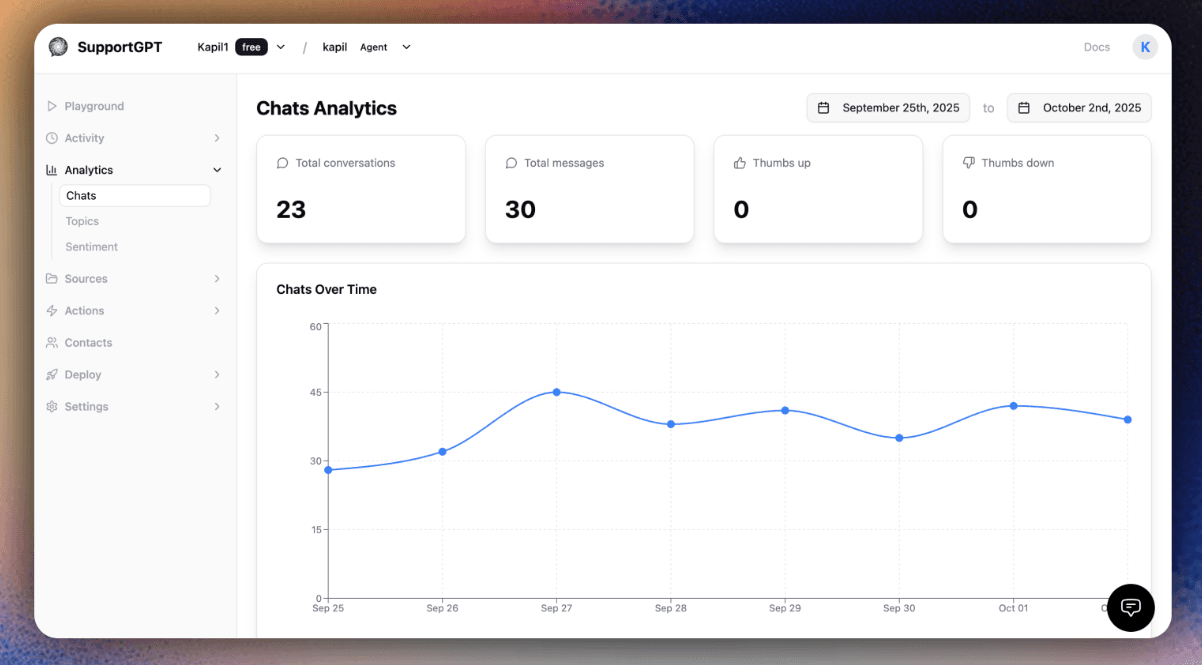
Open Agent -> Analytics -> Chats to review:
- Conversations.
- Messages.
- Thumbs up.
- Thumbs down.
- Chats over time.
- Chats by country.
- Chats by channel, such as playground or embed.
Open Analytics -> Topics and Analytics -> Sentiment for topic and sentiment views.
Chat Logs
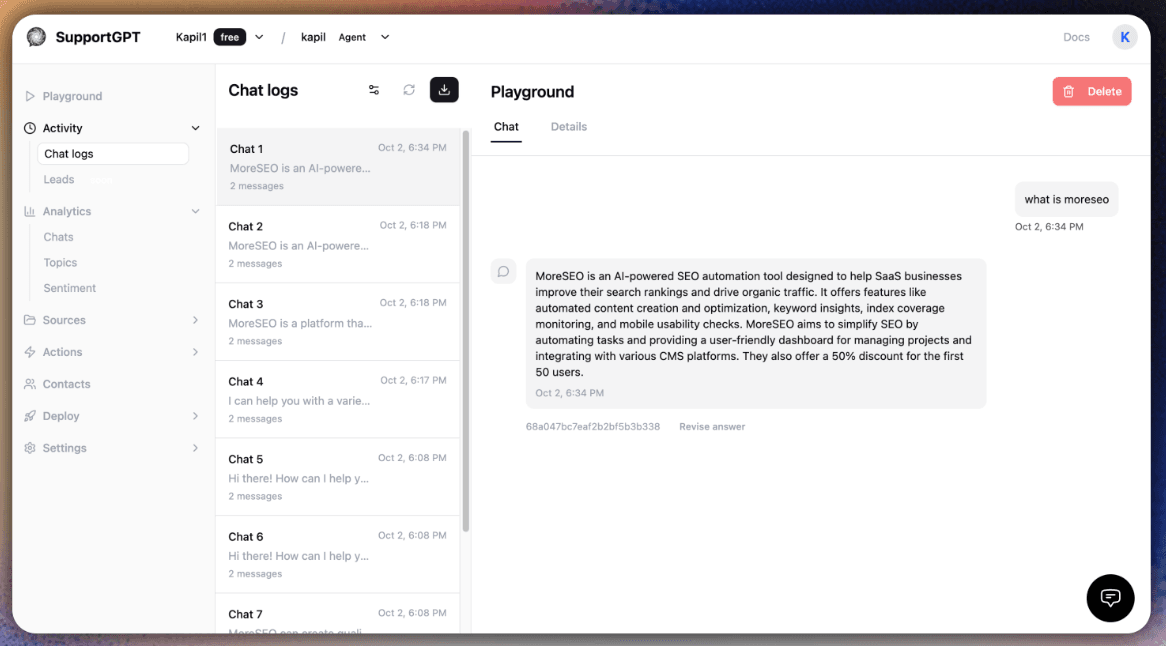
Open Agent -> Activity -> Chat logs to inspect transcripts.
You can:
- Filter by date range.
- Filter by source.
- Filter by feedback.
- Scroll through paginated chat sessions.
- Revise an answer when a response needs correction.
- Export the selected transcript as JSON, CSV, or PDF.
Live Inbox
Open Agent -> Inbox when human handoff is enabled.
The inbox supports:
- Waiting and active conversation counts.
- Search.
- Status filtering.
- Assignment to team members.
- Reply mode and internal note mode.
- Conversation resolution and transfer-back flows.
- User details, visitor metadata, and identified user data.
Use workspace Usage for credit monitoring and agent Analytics or Chat logs for product-quality review. They answer different questions.