Your First Agent
Create, train, test, and deploy a SupportGPT agent.
This guide follows the current dashboard flow for launching an agent.
1. Create An Agent
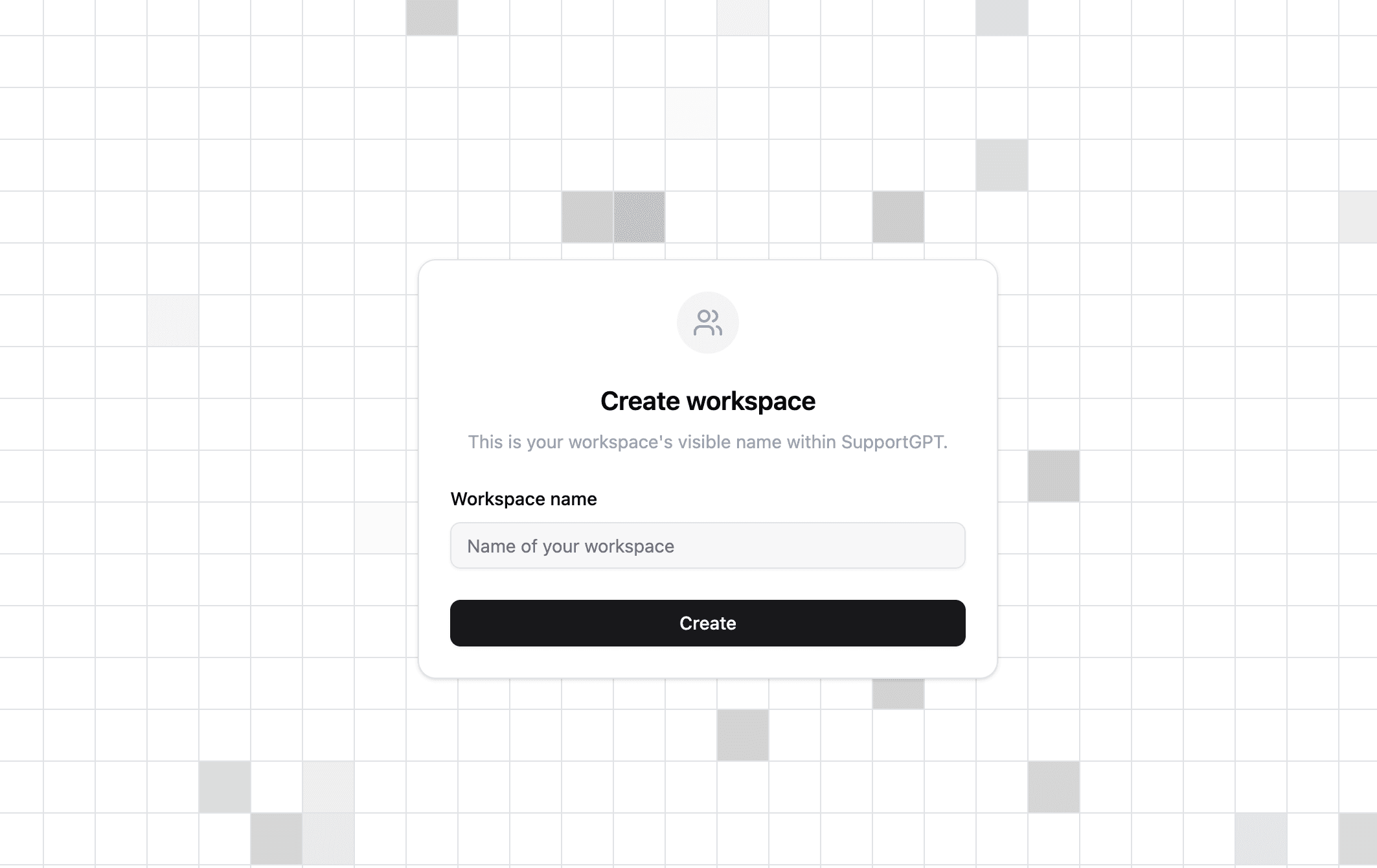
- Open a workspace.
- Go to Agents.
- Select New AI agent.
- Enter an agent name, for example
Customer Support Bot. - Select Create Agent.
After creation, the app takes you to Sources -> Files so you can add knowledge.
2. Add Sources
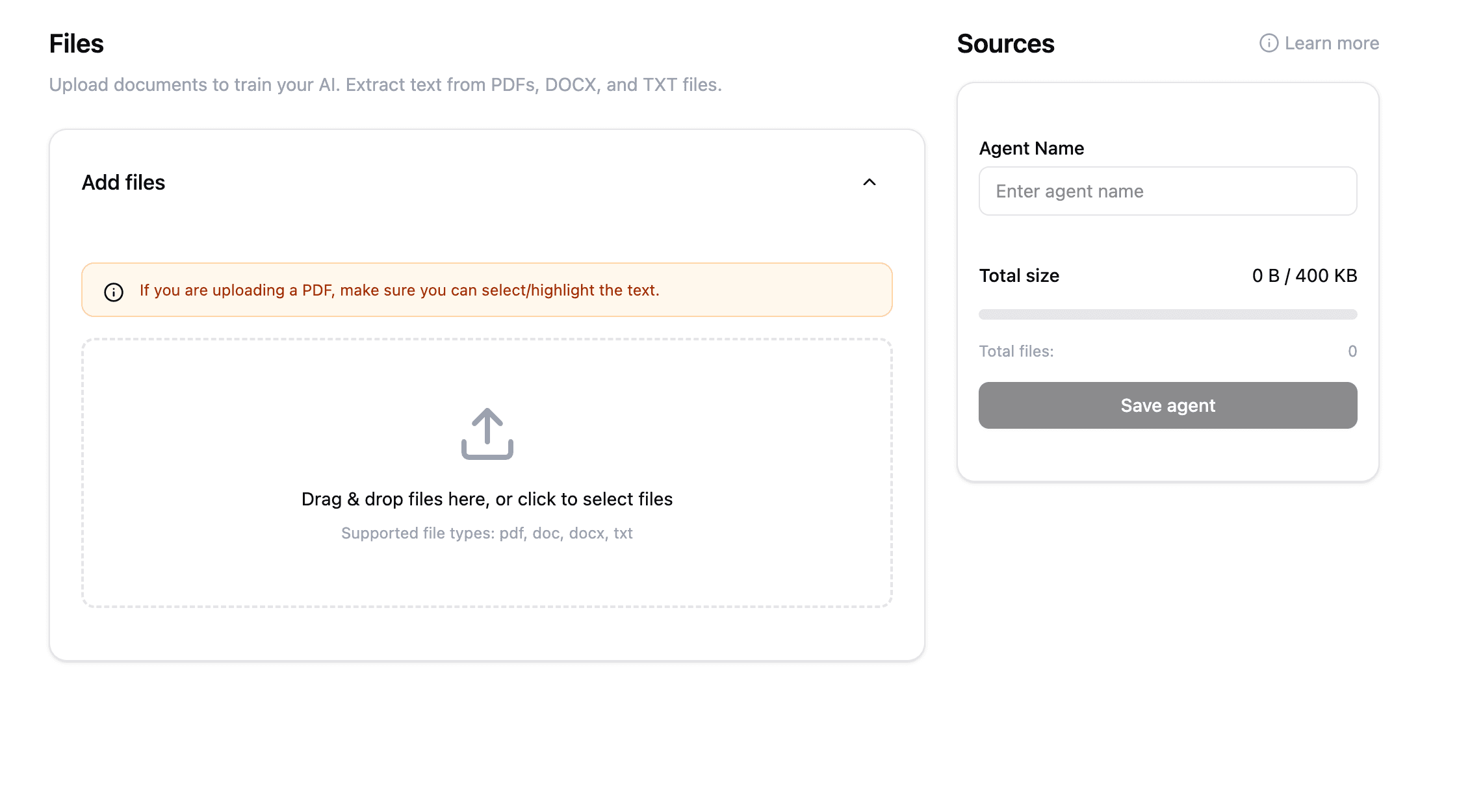
Open Sources and add the content your agent should use:
- Files: Upload PDF, DOC, DOCX, or TXT files.
- Text: Paste custom text snippets and save them as source files.
- Website: Crawl a public website URL. Paid plans can use website crawling.
- Q&A: Add one answer with one or more matching question variants.
- Notion: Connect Notion, choose pages or databases, and sync them.
Use the source list to delete stale files. Removing outdated content is often more useful than adding more documents.
3. Configure AI Settings
Open Settings -> AI.
- Choose the model available in your workspace.
- Write instructions that define tone, boundaries, and escalation behavior.
- Set Temperature lower for consistent support answers and higher for more varied phrasing.
- Set Match Threshold lower for broader retrieval and higher for stricter source matching.
The default backend model for new agents is currently gemini-2.5-flash-lite, but the dashboard exposes additional Gemini, OpenAI, and Claude models.
4. Customize The Chat Interface
Open Settings -> Chat interface.
You can configure:
- Display name.
- Instructions shown in the widget configuration.
- Initial message.
- Suggested messages.
- Message placeholder.
- User feedback and regenerate controls.
- Dismissible notice.
- Light or dark appearance.
- Profile picture and chat icon.
- User message color, chat bubble color, and bubble alignment.
Use the preview panel to confirm the widget looks right before deploying.
5. Test In Playground
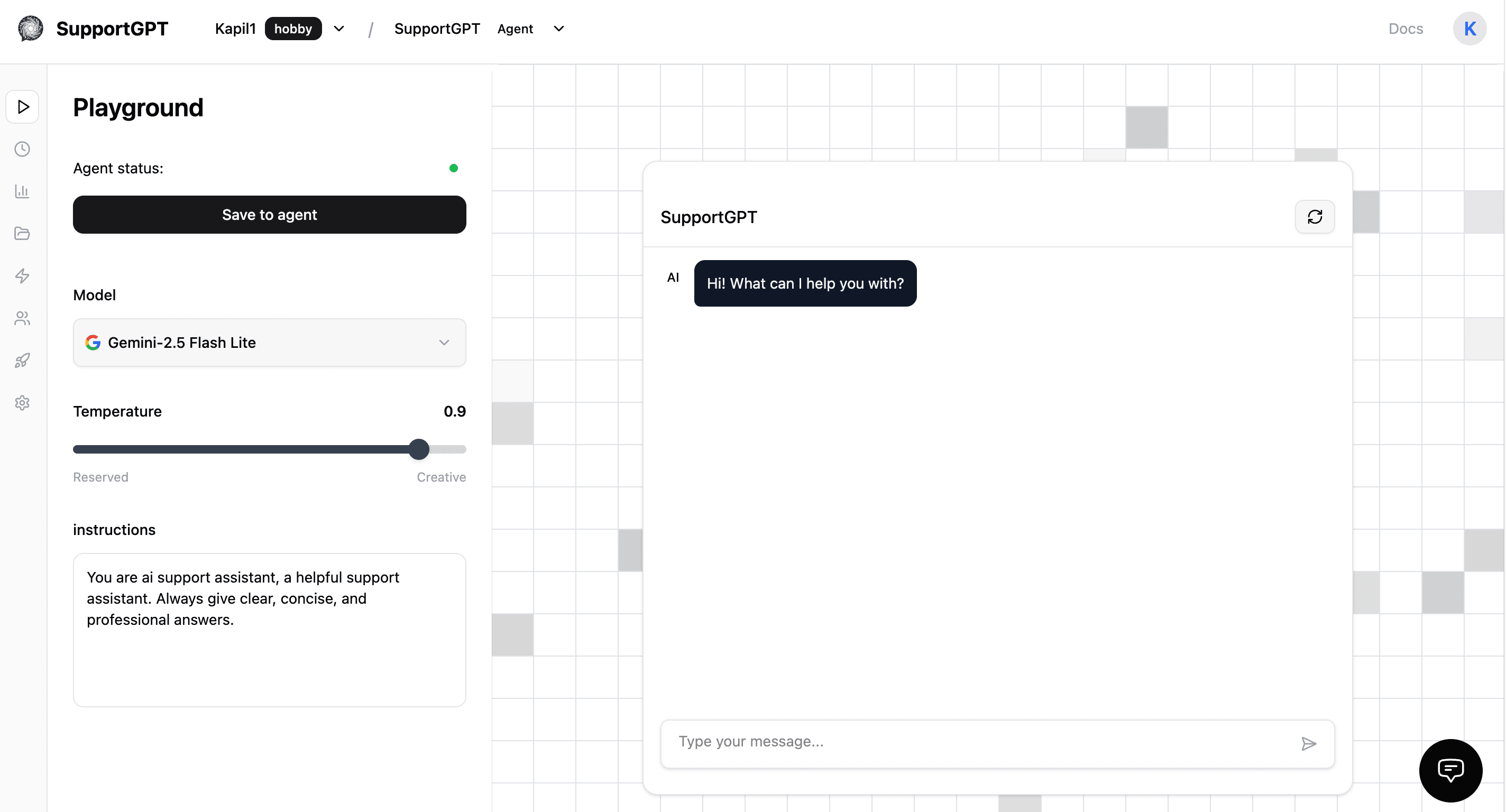
Open Playground and ask realistic customer questions:
- Questions answered directly by your documents.
- Questions with missing information.
- Pricing, billing, refund, and support-policy questions.
- Edge cases where the agent should ask a follow-up or hand off to a human.
If the answer is wrong, update the source, adjust the AI instructions, or lower/raise the match threshold.
6. Deploy
Open Deploy -> Embed.
Choose one of:
- Embed a chat bubble for the full floating widget.
- Next.js Script Component for a Next.js layout.
- Embed the iframe directly for a fixed panel.
You can also open Deploy -> Share to copy the hosted chat URL.
7. Operate The Agent
After launch:
- Review Activity -> Chat logs for transcripts.
- Use Analytics to track conversations, messages, feedback, sentiment, topics, country, and channel.
- Enable Settings -> Human Handoff if your team will answer escalated chats.
- Watch workspace credits in Usage and Billing.